Step 1 · Dispatch
Your phone rang at 7 PM. The job went to whoever answered it first.
BE1st builds websites for HVAC companies. Every service and every town gets its own page, the call button sits on the first screen, and your license number is on every page. You own the site the day it launches, and every monthly line has a price on this page.
No sign-up. No sales call to hear a price.
Step 2 · The diagnostic
See your site the way a homeowner’s phone sees it.
Put in your company’s website. The check opens it on a phone, reads the pages a homeowner looks for, and grades what it finds, line by line, with the text it found.
About fifteen seconds. Nothing to sign up for.
Texas rules put your license number on your advertising. The check looks for it first. A Texas number starts with TACLA or TACLB, and a homeowner can look it up on the state’s license search.
Prompts to check, not legal advice.
Blue bezel: passingRed bezel: fix firstShaded arc: points lost
One contractor’s homepage, on the gauges.
A real HVAC contractor’s homepage, checked on a phone screen. Six areas, 100 points, 24 checks.
Top three fixes, in order
- 1License number shownLicense and proofNo license number on the homepage or the pages read.-8
- 2A page for each townDo you come to their town?No town pages linked.-6
- 3A price a homeowner can seePrice and plansNone found.-5
Flags to double-check
Wording is flagged for you to confirm, never scored. The check also flags NATE, “best” and guarantees. NATE certifies technicians, not companies, so the line that holds up is “employs NATE-certified technicians.”
The 24 checks
Tap-to-call · call button on the first screen · a way to request service online · business hours · nights, weekends and emergencies addressed
Towns named · a page for each town · where you work from
License number shown · reviews shown · warranty terms · equipment brands
A price a homeowner can see · financing offered · a maintenance plan to join
Title · description · business structured data · https · sitemap
Page weight · requests · fits the screen · built for mobile
Step 3 · The data plate
What a BE1st HVAC build includes.
Read it like the plate on a condenser. The site, the office and the directions all open.
- Unit
- Northline Heating & Air
Northline is a demo company we built to show the work. It is not a real business.
- Site
- 29 pages
Every service its own page. 14 city pages.
Open the site - Office
- 10 screens
Calls, the board, dispatch, estimates, the membership roster, the schedule, reviews.
Open the office - Directions
- 5
The same company built five different ways: The Build, Dispatch, Daylight, Heritage, Precision.
Open the chooser - Content
- 10 post templates
Five Star Friday, Maintenance Tip, Pre-Summer Tune-Up, First Freeze, 24/7 Emergency, Comfort Club, Meet the Tech, Before and After, Financing, Holiday.
- Owner
- You
The code is yours the day it launches.
Step 4 · Five directions
The same company, built five ways.
Pick the one that looks like your trucks. Each opens as the full site.
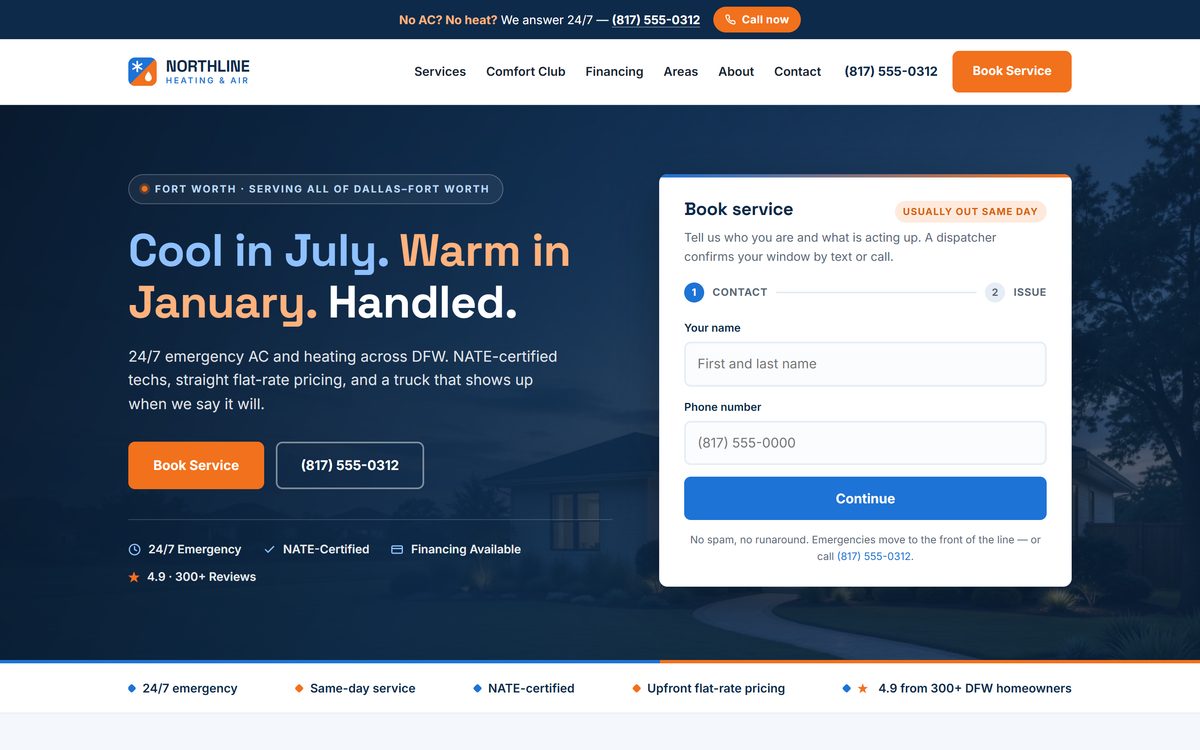 01
The Build
The one the demo ships as.
Open this one
01
The Build
The one the demo ships as.
Open this one

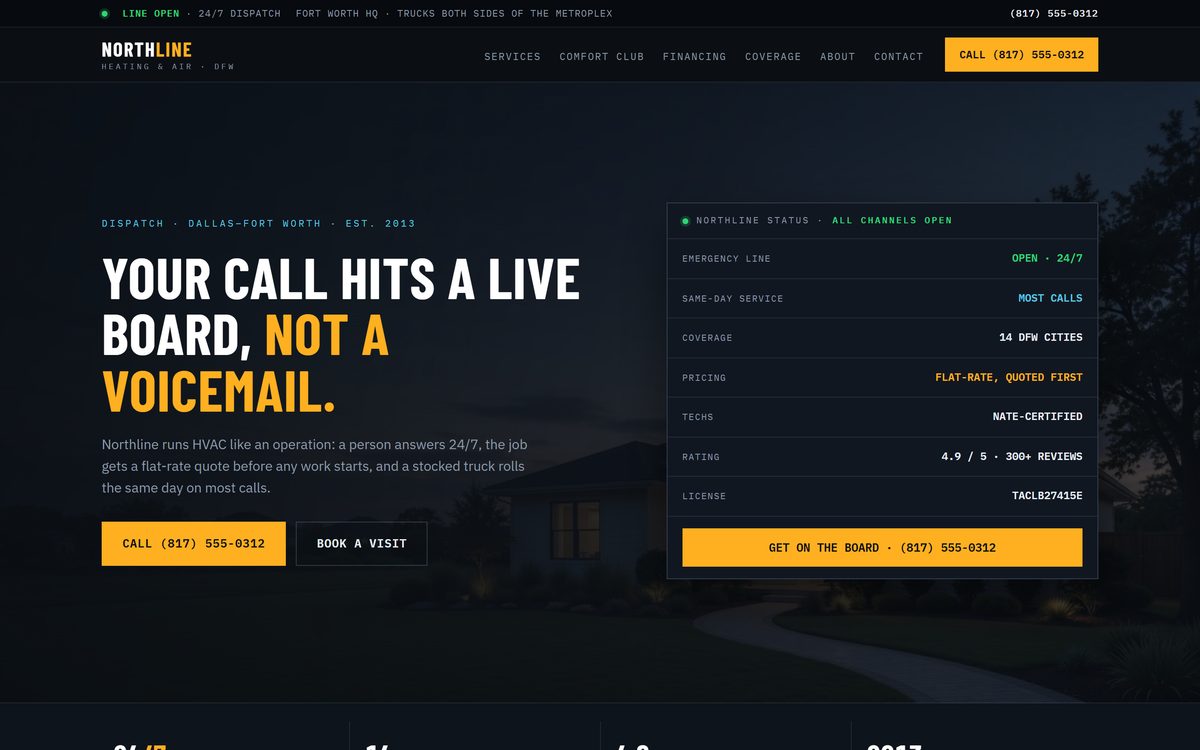 02
Dispatch
A live board, not a voicemail.
Open this one
02
Dispatch
A live board, not a voicemail.
Open this one
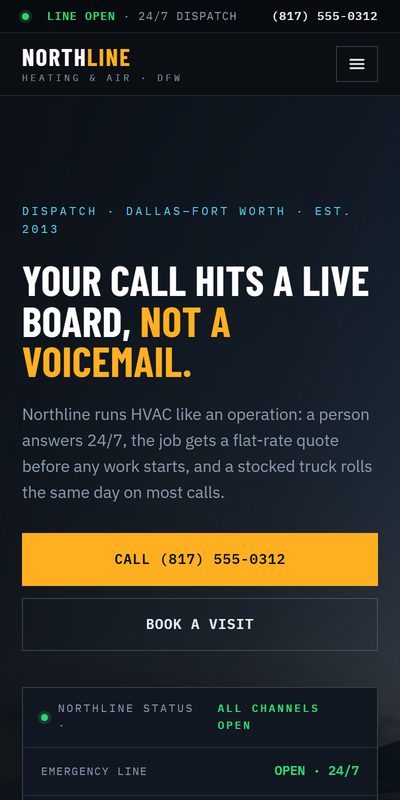
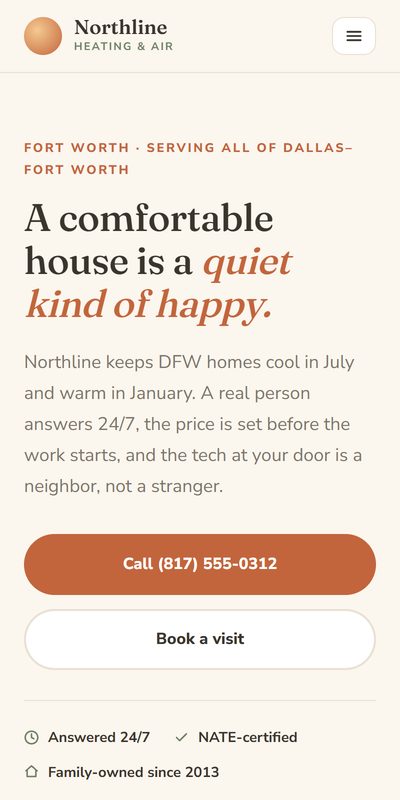
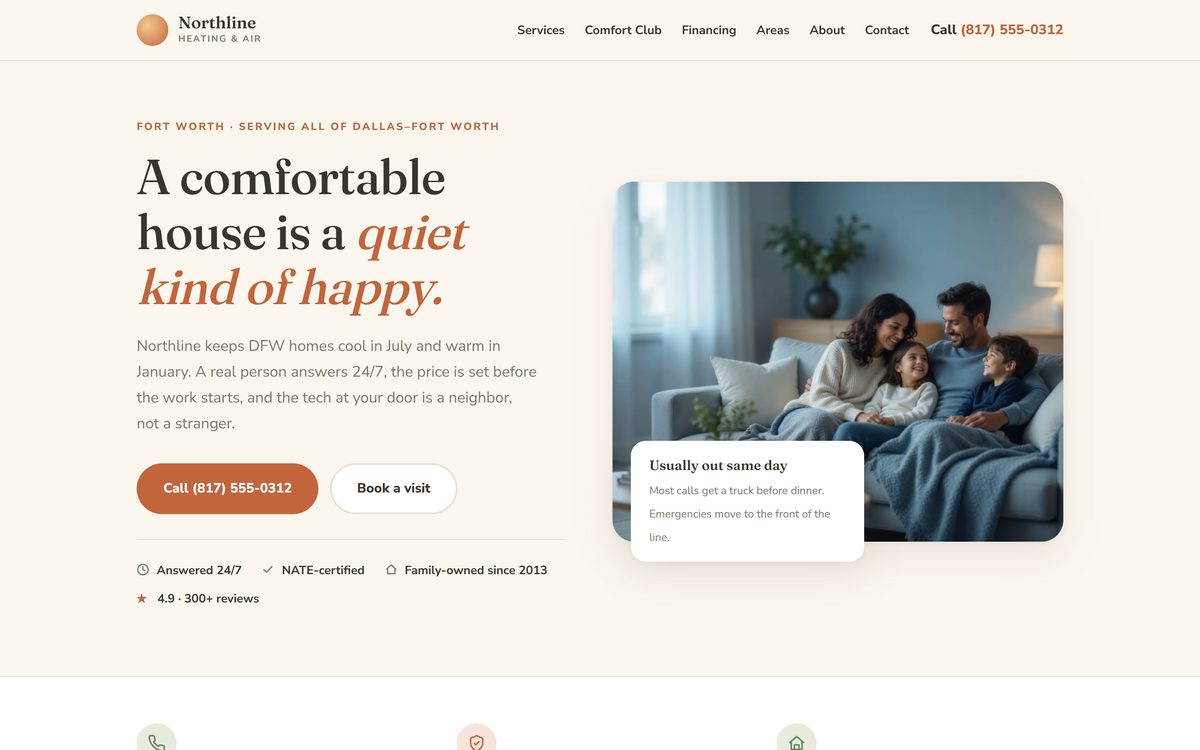 03
Daylight
A comfortable house, not a truck.
Open this one
03
Daylight
A comfortable house, not a truck.
Open this one
 04
Heritage
The trade done properly.
Open this one
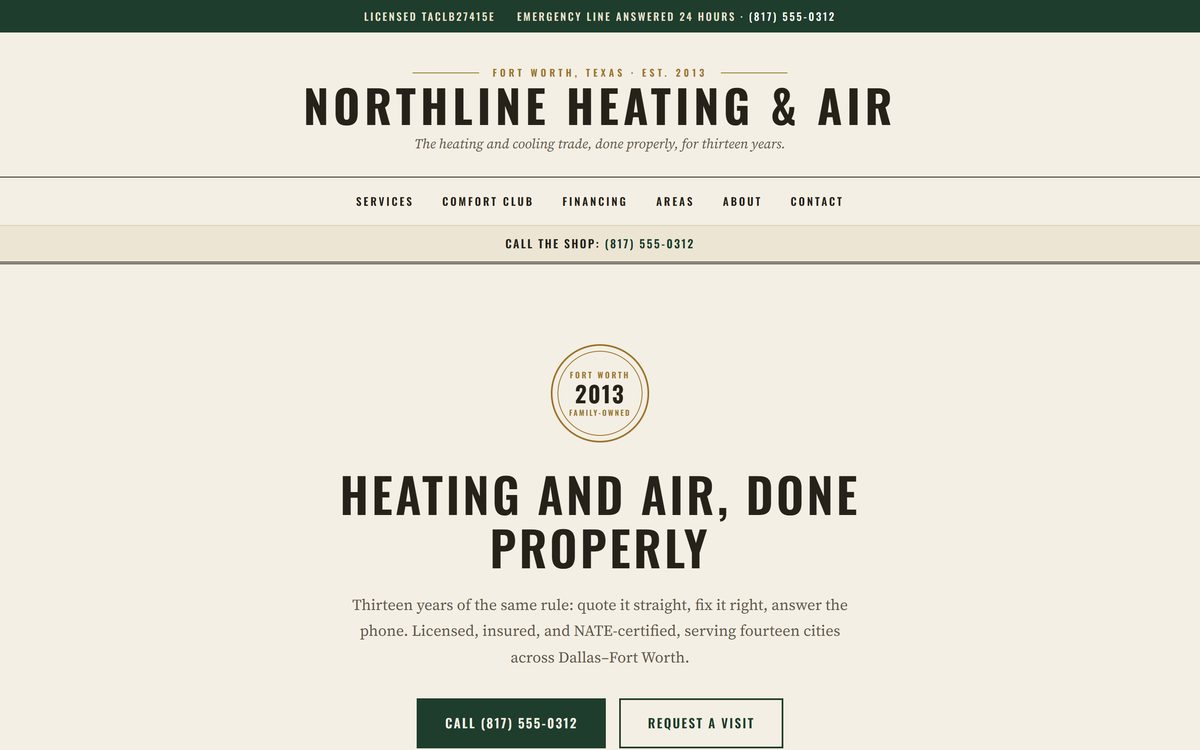
04
Heritage
The trade done properly.
Open this one

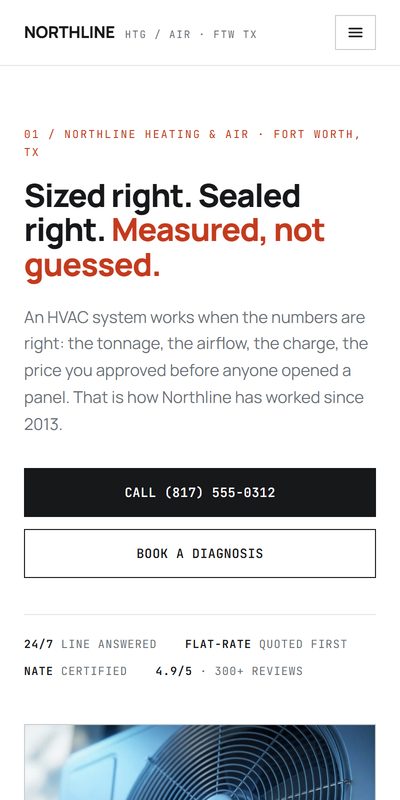
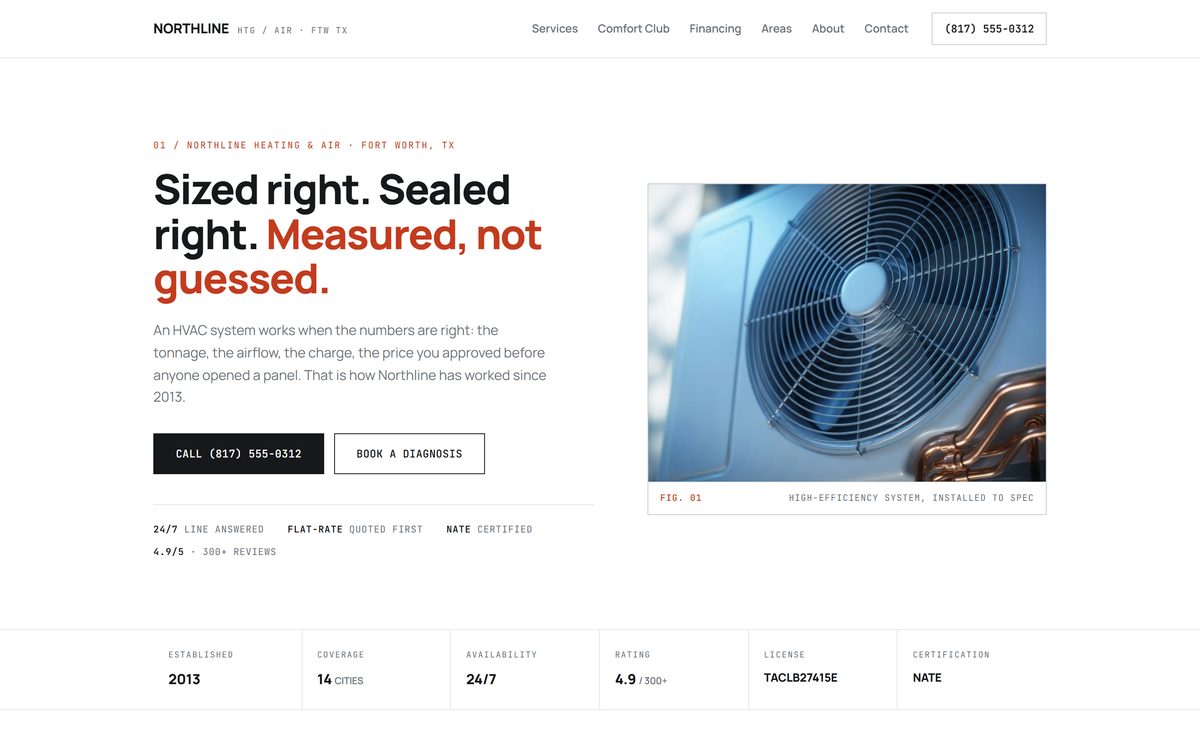 05
Precision
Measured, not guessed.
Open this one
05
Precision
Measured, not guessed.
Open this one
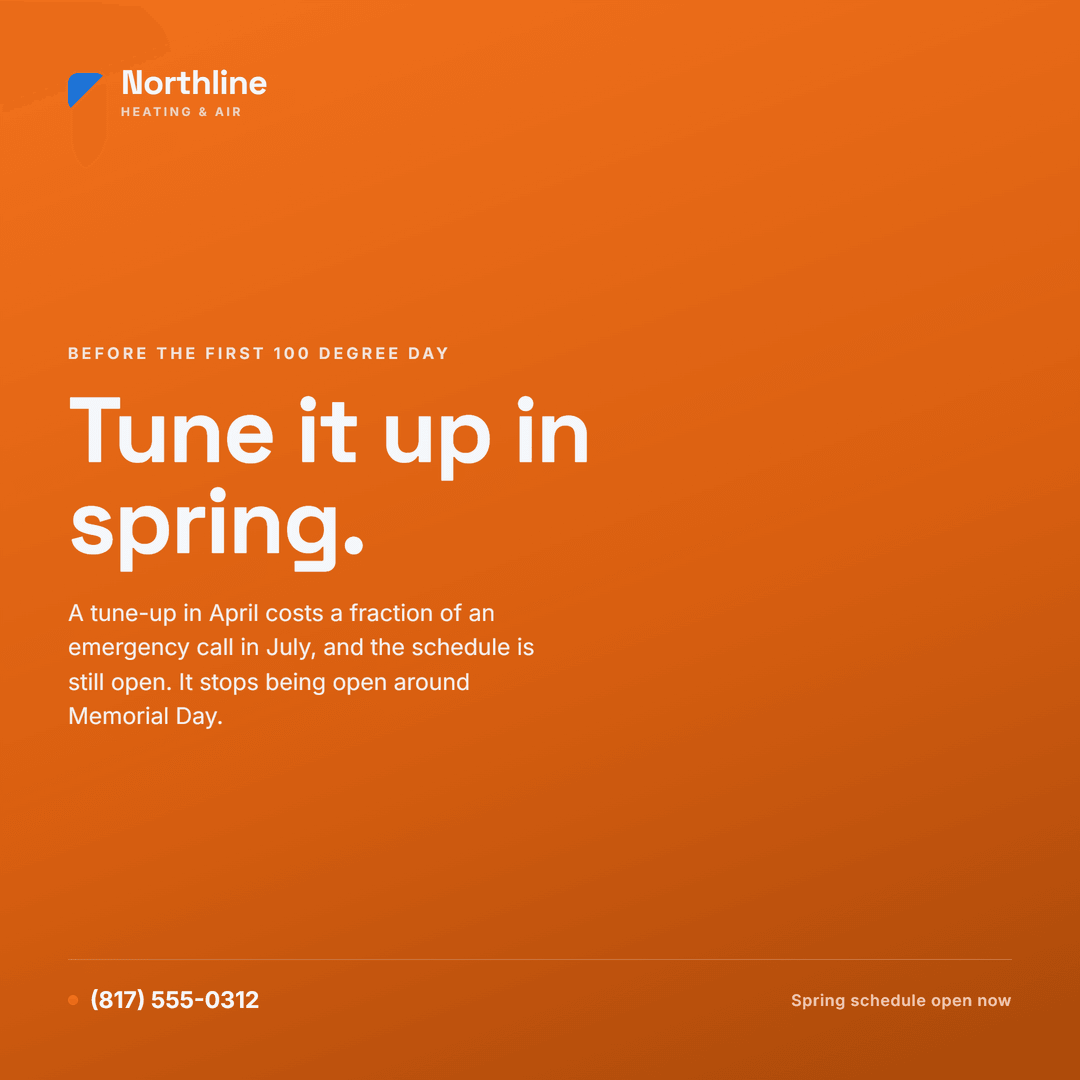
Ten post templates, already made.
Three of them here. Posting them every month from your own job photos is the Signal line on the price book.


Step 5 · Jobs on file
Jobs on file.
Every one of these is a finished, working site. Open any of them.


Step 6 · The price book
A starting price on every line.
The build is yours. Care keeps it running. Everything after that is a task you turn on or off, each on its own line, the way your book prices a capacitor or a coil cleaning.
Designed, written and built from your company. Yours the day it launches.
Hosting, security, backups, uptime, edits and the dashboard. The only line every site needs.
Your Google profile kept current, plus new service and town pages.
A review request after every job, monitoring, and replies drafted for you to approve.
Two Reels a month, cut from your own job photos and the words on your site, each with its caption written. You post them.
Two articles a month on your own site, each answering something customers search for, plus four Reels that point back to them.
No total at the bottom. Pick the lines you want. Turn one on or off any month.
No bundles, no contract. These are starting prices. Depending on the scope and what your business needs, your price may vary, and you get the exact number in writing before you pay.
Step 7 · The maintenance agreement
Care is a maintenance agreement, for the website.
You sell the same thing. A small monthly, and the system gets looked at before it fails instead of after. Care does that for the site: hosting, security, backups, uptime, the edits you ask for, and the dashboard.
Every other line on the price book has to show its work the same way, every month. The month one stops showing work is the month to cancel it.
Step 8 · The contract
Read the contract before the website.
These are the terms that matter when you want to change something, or leave. Look for them in any contract before you sign.
Start with the check.
It shows your site the way a homeowner’s phone sees it.