Step 1 · From the curb
The yard you finished Friday is your best ad. Your website should show it.
BE1st builds websites for landscaping and lawn care companies. Every service and every town gets its own page, your own job photos sit on the first screen, and a homeowner reaches you in one tap. You own the site the day it launches, and every monthly line has a price on this page.
No sign-up. No sales call to hear a price.
Step 2 · The door hanger
See your site the way a homeowner’s phone sees it.
Put in your company’s website. About fifteen seconds later you get a grade, a score out of 100, and every missing thing quoted from your own pages.
About fifteen seconds. Nothing to sign up for.
Texas wants the irrigator's license number, written as LI and the number, on every ad for irrigation work, websites included. The state tells homeowners to ignore irrigation ads without one. The check looks for it.
Prompts to check, not legal advice.
Mowed: the points earnedLeft standing: the points lost
One landscaping company’s homepage, from the curb.
A real landscaping company’s homepage, checked on a phone screen. Six areas, 100 points.
Top three fixes, in order
- 1A page for each townDo you come to their street?Five towns named on the homepage. No town pages linked.6 pts
- 2Irrigation license numberProof of the workSells irrigation installation and sprinkler repair. No LI number anywhere.5 pts
- 3A way to text or emailCan a homeowner reach you?Phone only. No text or email option on the homepage.4 pts
Step 3 · The truck door
What a BE1st landscaping build includes.
Read it like the magnet on the crew truck. The site, the office and the other three looks all open.
- Company
- DFW Landscape Co.
The demo company on the yard sign above.
- Site
- 29 pages
Six service pages: hardscape, irrigation, lighting, maintenance, planting, grading. Thirteen town pages: Allen, Carrollton, Celina, Frisco, Garland, McKinney, Murphy, Plano, Prosper, Richardson, Rowlett, Sachse, Wylie. Portfolio, process and pricing.
Open the site - Office
- The office
The leads and the job pipeline behind the site, in one admin that comes with the build.
Open the office - Looks
- Three more
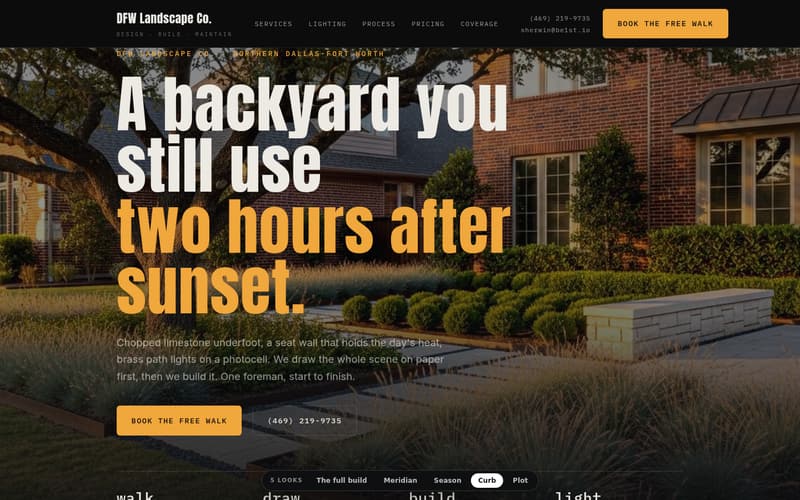
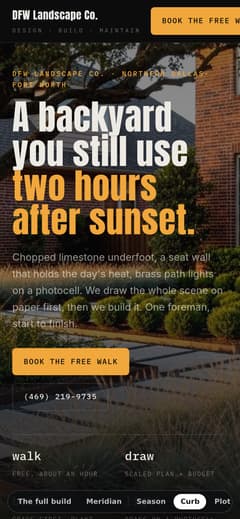
The same company, built three more ways: Plot, Season and Curb. Pick the one that looks like your trucks.
- Owner
- You
The code is yours the day it launches.
Step 4 · Four looks
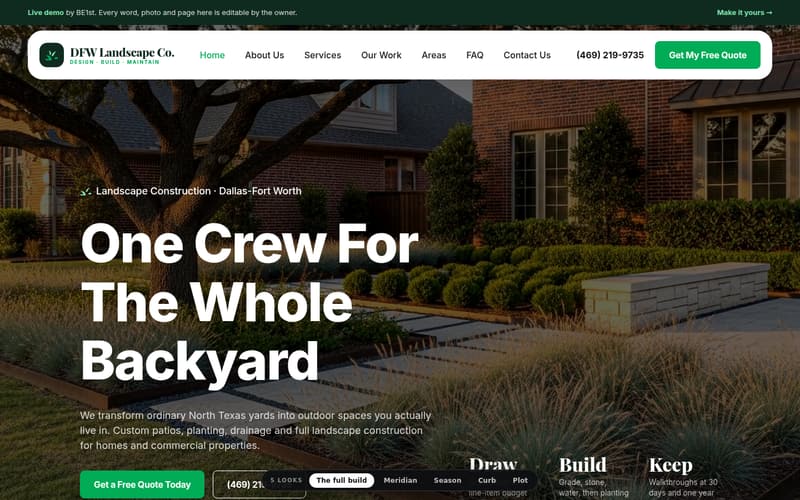
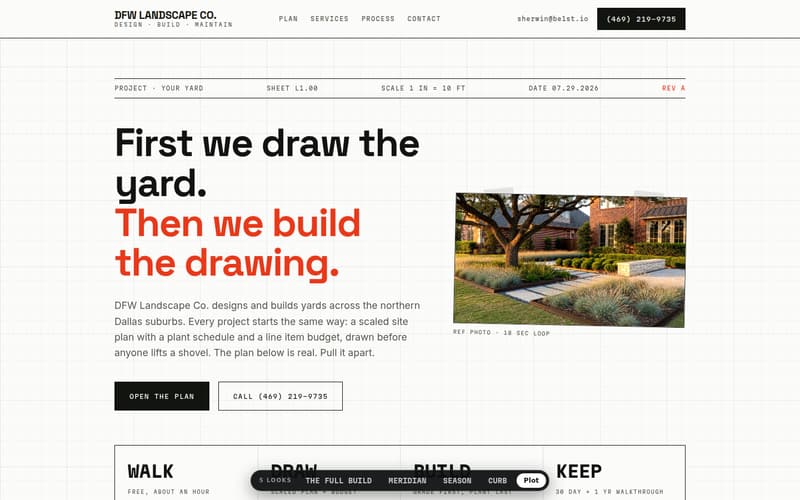
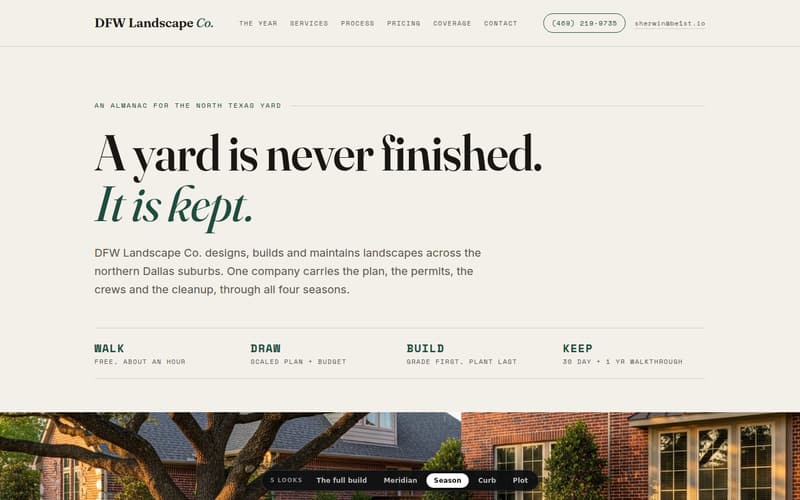
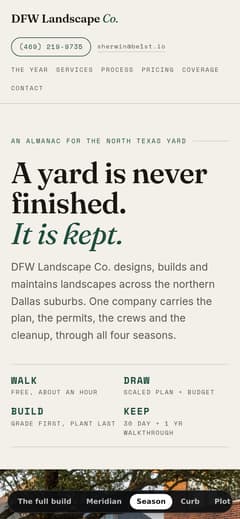
The same yard, built four ways.
Pick the one that looks like your trucks. Each opens as its own homepage.


Step 5 · Yards on file
Yards on file.
Every one of these is a finished, working site. Open any of them.
Step 7 · The maintenance program
Care is a maintenance contract, for the website.
You sell the same thing. A small monthly, and the property never gets away from you. Care does that for the site: hosting, security, backups, uptime, the edits you ask for, and the dashboard, every month of the year.
Every other line on the price tags has to show its work the same way, every month. The month one stops showing work is the month to cancel it.
Step 8 · The contract
Read the contract before the website.
These are the terms that matter when you want to change something, or leave. Look for them in any contract before you sign.
Start with the check.
It shows your site the way a homeowner’s phone sees it. Six areas, 100 points, the text it found.
About fifteen seconds. Nothing to sign up for.